


Filebox
Files can be stored and archived in different areas of Microsoft Dynamics 365 Business Central via the Aptean ECM Connect Filebox. To do so, the Filebox must be set up in the Setup. A Filebox category must be assigned to each file that is stored in the Filebox. Categories can be created in the Filebox Categories and specify the category code with which the stored file is created in the connected Shareflex DMS.
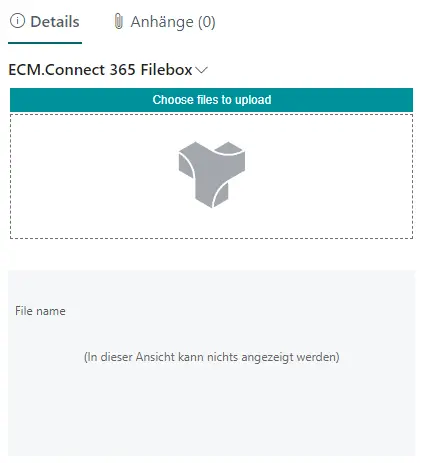
Files can be moved to the Filebox via drag & drop or via Choose files to upload. In the file list of the Filebox, all stored files for the selected record can be viewed and downloaded via the Shareflex Graph API.
Note
The Filebox download can be activated in the Setup.
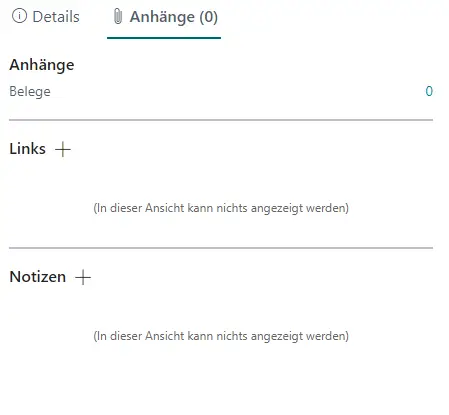
In addition to files, other attachments can also be uploaded to the Filebox. However, no Filebox export entries are created for links or notes.
Files can be uploaded to the Filebox in simple or advanced mode.
Note
The mode can be selected in the Setup.
 |
 |
More information on the simple and advanced mode can be found under Filebox.