


Map Markers "Pins"
In the Dime.Scheduler setup, another option field, Default Map Marker Source, has been added to the FastTrack Wizard. Three options are available:
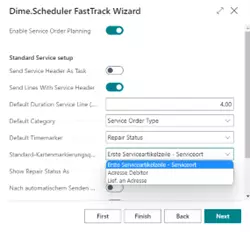
The following selection determines how pins are set on the map:
| Option | Description |
|---|---|
| First Service Item Line – Service Location | The pin is created from the first service item of the service order. It uses the address, post code and city of the service location. |
| Customer Address | The pin is created using the address from the Sell-To Address information of the service order. |
| Ship-To Address | The pin is created using the address from the Ship-To Address information of the service order. |
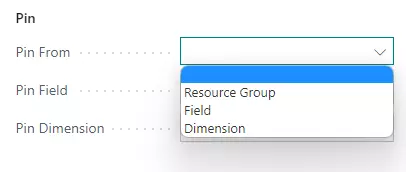
The appropriate global settings can be configured on the Dime.Scheduler setup page. Here, the default value is set:
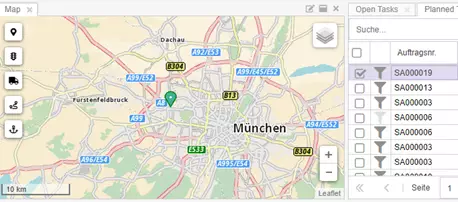
The pins in the map view are then displayed as follows:
GPS Coordinates for Precise Map Display
GPS coordinates in the Service Coordinates field (format: Latitude,Longitude) are used with the highest priority for map display and override address-based geocoding.
Prioritization
- GPS Coordinates (from Service Coordinates field)
- Address (based on map marker source)
When GPS coordinates are present, they are used regardless of the selected map marker source. Additionally, the value of the Ship-to Phone No., E-Mail, and Service Zone Code fields are transferred.